Without a review system
- You remember later (or not at all)
- You write another rushed message
- You have to find the Google link
- You’re unsure who you’ve already asked
- The ask slips into next week
 CP Digital Solutions
Review System — powered by QuickReview
QuickReview gives service businesses a simple, professional way to ask for a Google review when they decide the time is right.
Fairview Plumbing: Review request
Hi Sarah, thanks for choosing Fairview Plumbing.
Would you share your experience in a Google review? We’d appreciate your honest feedback.
Thank you!16:41
You choose when to sendAfter a completed job, booking or visit.
Simple for the customerOne clear Google review action.
The problem
Great work often never turns into a review. You forget to ask, remember too late, or write another rushed message between jobs.
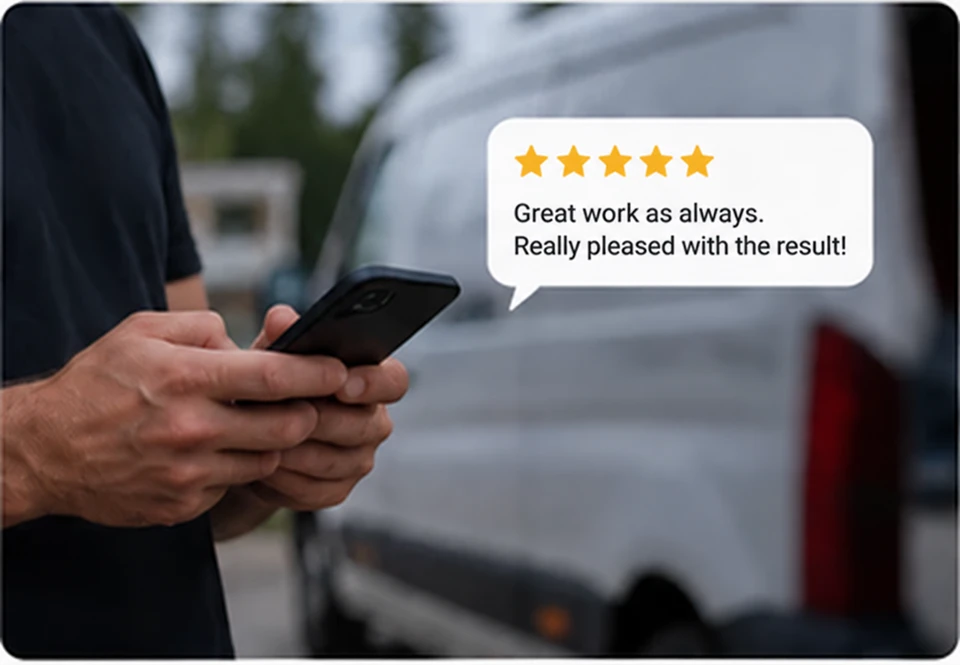
Why genuine reviews matter
Before they call, book or enquire, people want to see what other customers experienced. Genuine, recent reviews give them something to go on.
Customers can see that other people have used your business and shared their experience.
Reviews are part of the information people find when they look at your Google profile.
Recent feedback gives the next customer current proof to read before they enquire.
Plumber · Coalville

Sarah★★★★★ · Last weekFriendly, tidy and explained the work clearly.
James★★★★☆ · 2 weeks agoArrived when expected. Happy with the repair.
How QuickReview works
A simple four-step process you control. Choose when to ask, while the customer’s experience is still fresh.
After a completed job, booking, appointment or customer visit.
A prepared branded WhatsApp message goes out on your behalf.
One clear action takes them towards your Google review destination.
If they choose to leave a review, future customers can read it.
What the customer sees
Your customer can see which business is asking, why they received the message and where the review action takes them.
The request names your business and thanks the customer for choosing you.
QuickReview delivers the message on your behalf, with consistent wording.
The customer chooses whether to share their experience and what to write.
Fairview Plumbing: Review request
Hi Sarah, thanks for choosing Fairview Plumbing.
Would you share your experience in a Google review? We’d appreciate your honest feedback.
Thank you!16:41
Share your experience
What the business gets
You still decide who to ask and when. QuickReview takes care of the prepared request, so you can repeat the process without composing another message.
Give customers the same clear request whenever you choose to ask.
Send after the work, visit or appointment, while the customer remembers the experience.
Make the next step easy to understand on the customer’s phone.
Talk to CPDS about setup and support for your business.
Who it’s for
Give customers a clear way to share their experience after a job, visit or appointment.
If your team already uses a reliable review-request process consistently, you may not need another one.
Pricing
Start with a conversation about your business, your Google profile and how you want to ask customers for a review.
You choose when to ask.
Your customer chooses whether to review.
Powered by QuickReview
£14.99per month
For service businesses that want a simple, professional way to ask customers for a Google review.
The next part of the story
Review System helps you ask for the proof. Your Google Business Profile is where much of that proof is seen. Is the profile itself accurate, current and credible?
Google Business Profile setup and Google Profile Care are separate services for looking after the profile customers find.
Explore Google Business ProfilePlumber · Coalville
Sarah★★★★★ · Last weekFriendly, tidy and explained the work clearly.
James★★★★☆ · 2 weeks agoArrived when expected. Happy with the repair.
FAQ
How requests work, what customers receive and what you can expect.
Customers write their own reviews about their own experience. QuickReview helps you ask; it does not write reviews, offer incentives or choose the rating for them.
No. Each customer decides whether to leave a review. QuickReview makes asking easier and more consistent, but it cannot guarantee reviews, ratings, rankings or enquiries.
No. You choose the customer and decide when to send the request. This Review System offer does not include automatic job-completion detection.
You provide the customer’s name and mobile number through the business send process and choose when to ask. QuickReview then sends the prepared branded WhatsApp request on your behalf. CPDS walks you through the send process during onboarding.
A prepared WhatsApp review request that names your business, thanks them for choosing you and gives them one clear Google review action.
The review action takes the customer towards your Google review destination. They choose whether to leave a review and what to write.
Yes. Customers can share their honest experience, including negative feedback. You do not control the rating or what they write.
No. The journey does not screen customers by their rating or divert unhappy customers away from the Google review destination. Customers choose whether to review and what to say.
For the Google review journey shown here, your business needs a Google Business Profile with a review destination. If you are unsure what is already in place, CPDS can check that with you before setup.
Talk to CPDS about the systems you use and what you want to connect. Any integration needs a separate scope and feasibility check; automatic connections are not included in the offer shown here.
The offer shown is £14.99 per month. CPDS will confirm any minimum term, cancellation terms and setup details with you before you agree to start.
Enquire
Tell us about your business and how you ask for reviews today. We’ll talk through whether Review System, powered by QuickReview, is a useful fit.
Prefer to talk or message?
We use essential cookies and local storage to keep this site working. With your consent we also use Google Analytics and Microsoft Clarity, loaded through Google Tag Manager, to understand how the site is used. Reject and none of them load. See our Privacy Policy andCookie Notice.